BlogGuides
How to take card payments at a market
No card machine, no power lead, no rental. Here’s how to take card at a market stall with the phone in your pocket — and how to plan for a pitch with patchy signal.
2 min read
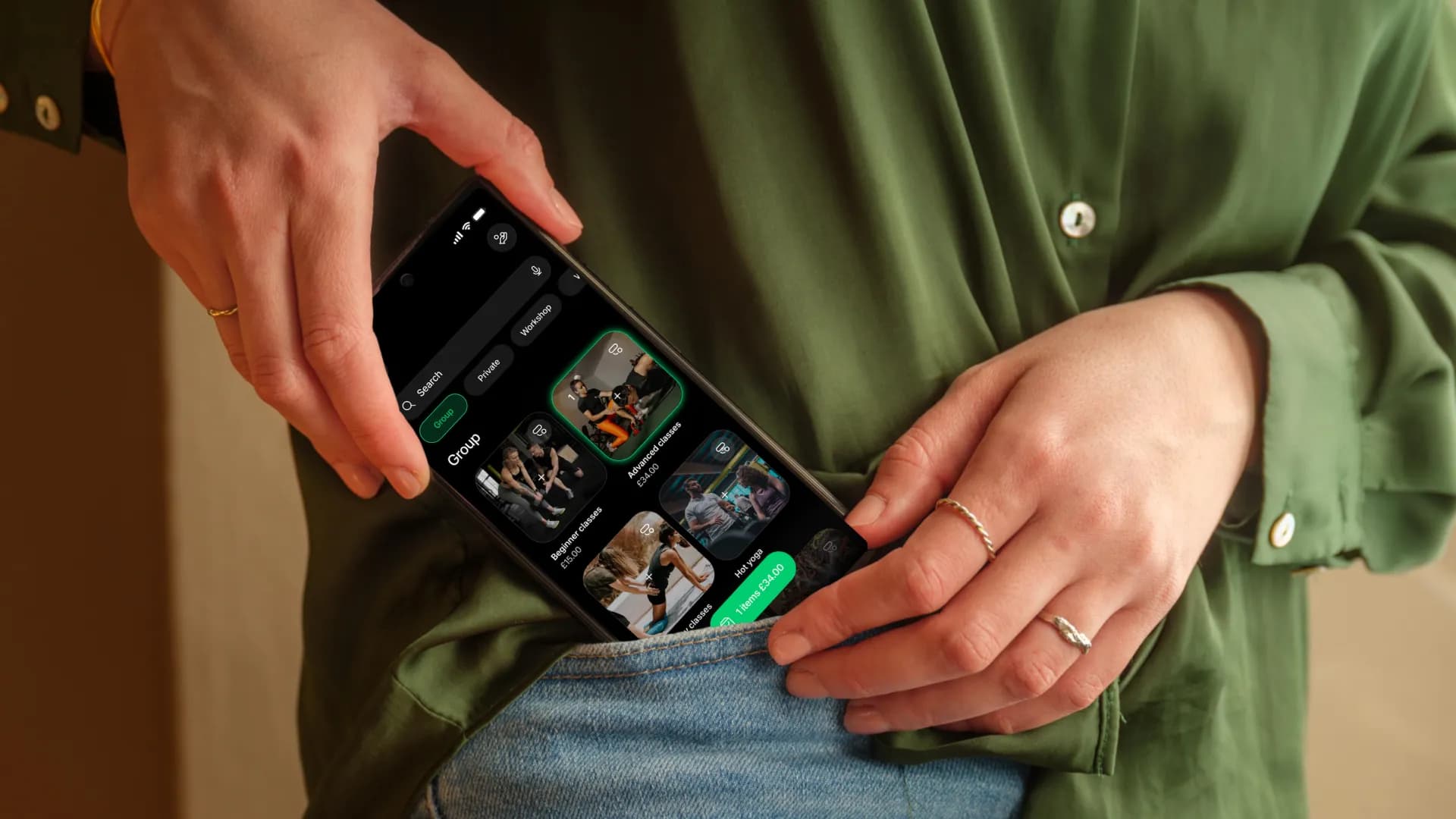
Markets are where the smallest businesses meet the most customers — and where “cash only” quietly costs you the most sales. The good news: you don’t need a card machine or a power lead to take card at a stall. You need the phone already in your pocket, a data connection and ten minutes of setup at home.
What you actually need
- A phone that supports Tap to Pay — an iPhone, or an Android phone with NFC switched on
- The Tapp app, with your business verified and your bank account added for payouts
- Mobile data or Wi-Fi at your pitch: card payments need a connection
- A power bank, because a dead phone is a closed stall
Set up before market day
Do the boring bits at the kitchen table, not at the stall. Download Tapp, add your products with their prices, and verify your business with our payment partner Adyen — verification can take a little while, so do it days before the market, not that morning. Then take one small test payment on your own card and refund it from the app, so the first real customer of the day is a tap, not a tutorial.
Keep the queue moving
- Add every product with its price before you go, so a sale is a few taps, not mental arithmetic
- Offer a receipt by text or email instead of printing one
- Print your shop’s QR code: customers can scan it, order from your menu and pay on their own phone
- Selling in Germany? Tapp signs every sale with a TSE, as the KassenSichV requires
Cash only doesn’t save you the fee. It costs you the customer who didn’t bring any.