At the table
Diners order another round without flagging you down, and tell you where they are sitting in a comment for staff.
Your order
2 × Beef burger£23.00
Leave a comment for staffWe’re at the table by the window
QR ordering
Put your QR code on the tables, the counter or the truck, and let customers order and pay from their own phone. No app to download.

QR ordering
The whole order-and-pay journey, in the browser.
How it works for your customer
No queue, no app, no waiting to catch your eye. Tap through the whole journey from your customer’s side.
Scan to order
Your customer points their camera at the code on the table or counter. Your menu opens in their browser, with nothing to download.
Item(s) subtotal£4.50
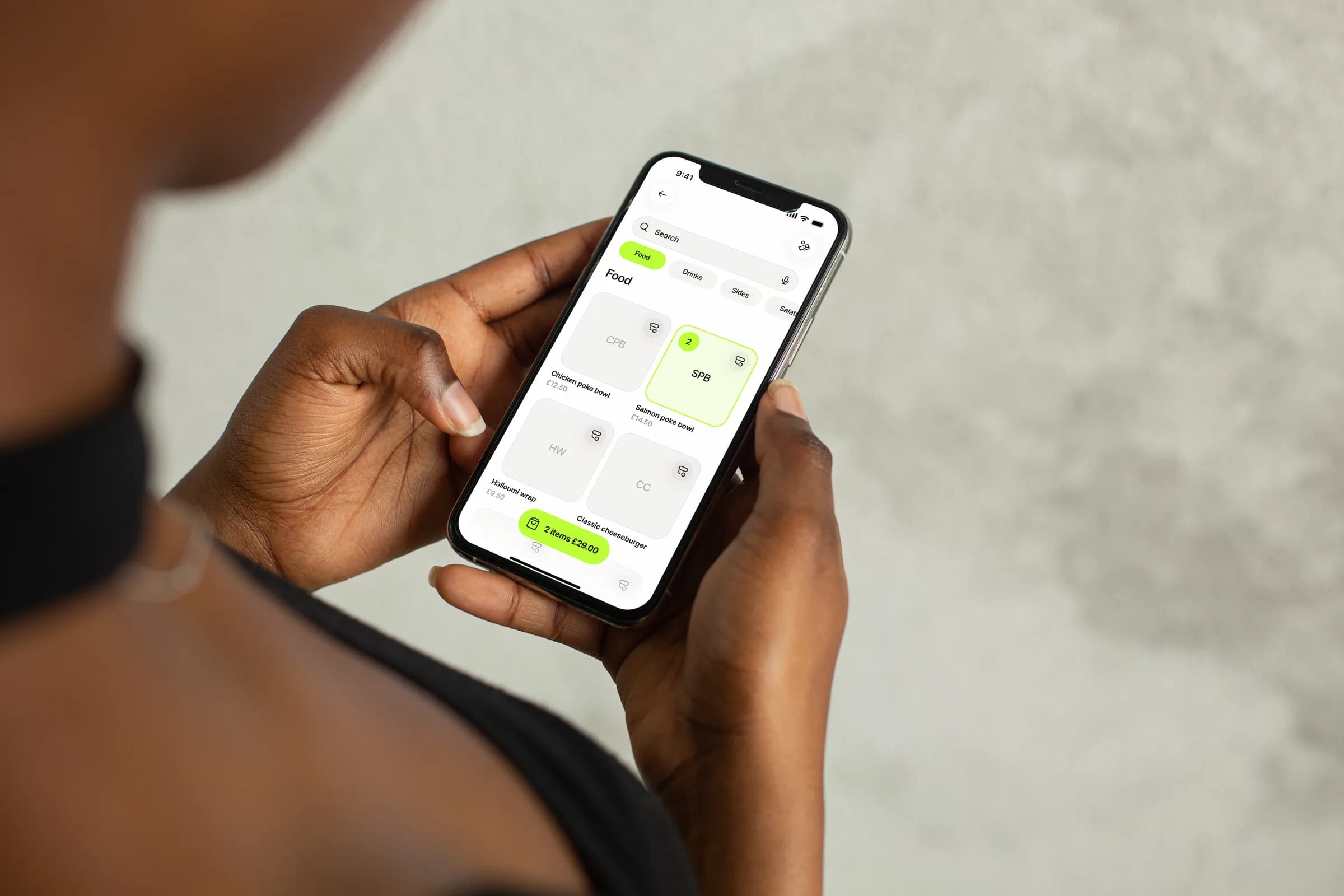
They see your menu with photos, prices and variations, and add what they fancy to the basket at their own pace.
Total£18.50
Apple Pay, Google Pay or card, from their phone in seconds. Or they let your staff collect the payment.
The order lands in your Tapp app straight away, marked Guest. You make it, they enjoy it, with no running back and forth.
The menu they see
Photos, prices and variations, served straight to your customer’s phone. The basket follows them, and the total is always one tap away.
It is the menu your team sells from. Mark an item as sold out and guests see it as currently unavailable.
Before they order, the basket shows what is popular with their order. One tap adds it.
Your current offers show on the menu, and guests redeem a code at checkout.
Ordering follows your kitchen hours. Outside them, guests see when the kitchen opens again.
Customers also ordered
Total£14.50
10% offOn your whole order
Total£32.00
When food can be ordered.
Kitchen closed — opens 17:00.
Where it works
One QR, every kind of service. Put it wherever your customers already are.
Diners order another round without flagging you down, and tell you where they are sitting in a comment for staff.
2 × Beef burger£23.00
People order before they reach the front and follow the order on their phone, so the line keeps moving.
Order receivedOrder completed
Markets, festivals and trucks: a code on the board is your whole counter, and every order reaches the phone in your pocket.
Share the same link, no table required. Guests read it in English or German.
Welcome toYour Place
Faster service
Customers handle the ordering while your team focuses on preparing and serving.
At their own pace
Items, variations and the total stay visible until they order.
Straight to service
Each order lands in your order list with a push notification, marked Guest.
In the browser
No customer app and no account.
Tipping built in
Once the order is complete, guests who paid on their phone can leave a tip from the same page, so your team gets thanked without anyone having to ask.
Sofia served you today
Total£6.30
No app needed
The whole order-and-pay journey happens in the phone’s browser. No app store, no account, no friction between hungry and paid.
One code, reuse forever
Your QR code is the link to your shop, so it keeps working as your menu, prices and opening hours change. Stick it on the tables, the menu board or the van.
How many QR codes do you need?
QR codes will be sent to alex@example.com
Order your codes when you finish setting up your shop, print them and stick them down. They keep working as your menu changes.
The same thing as a link: drop it in a bio, a story or a message to take orders from anywhere.

Code: LUNCH10Code LUNCH10 will be applied to your order
Give a voucher code its own link and QR. Guests land on your menu and the offer is applied to their order.
From scan to service
Guest orders arrive in the same Tapp app your team already sells and takes payment with.
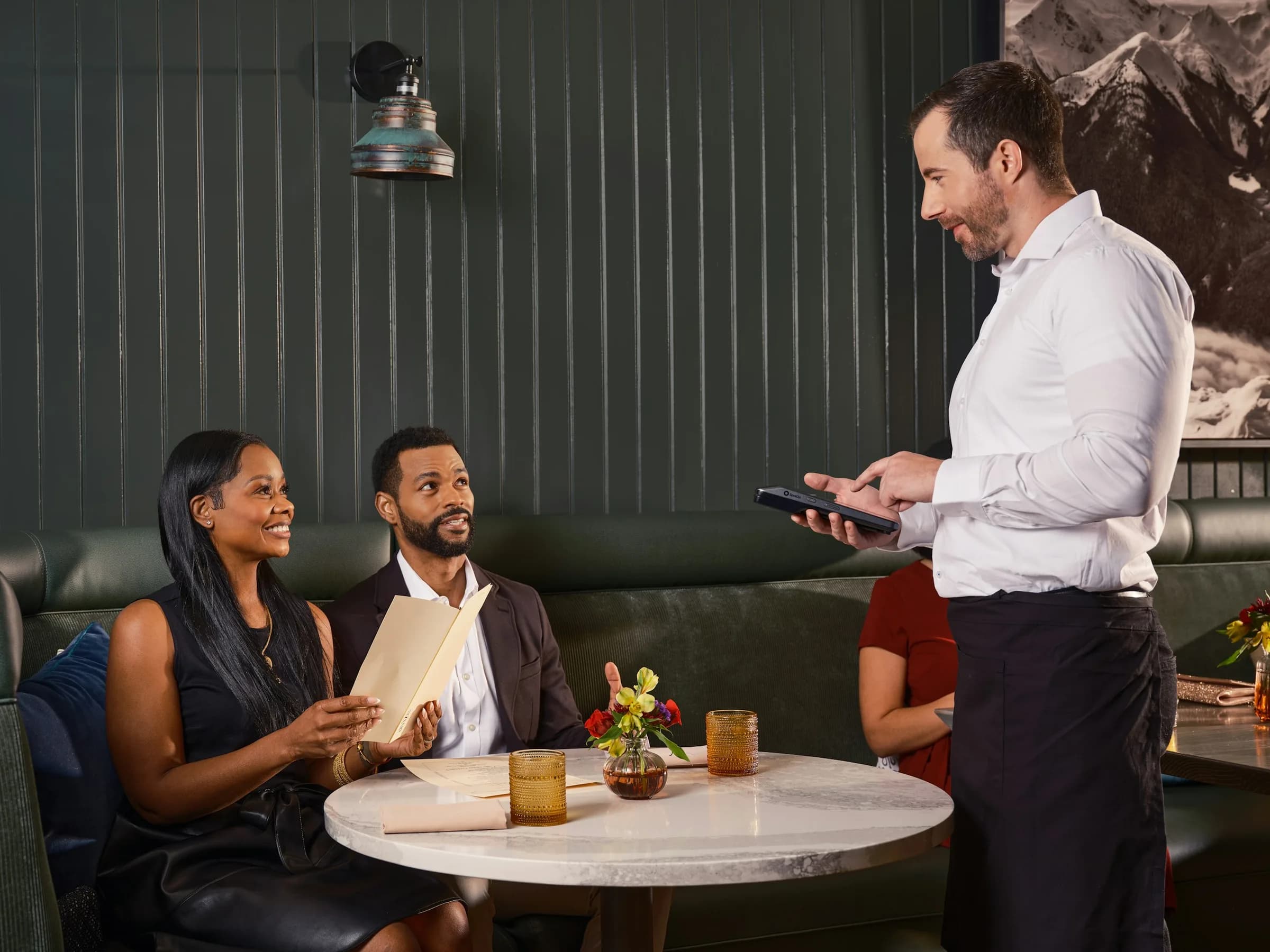
Guest orders sit in the same order list as the ones your team rings up.
Explore Point of sale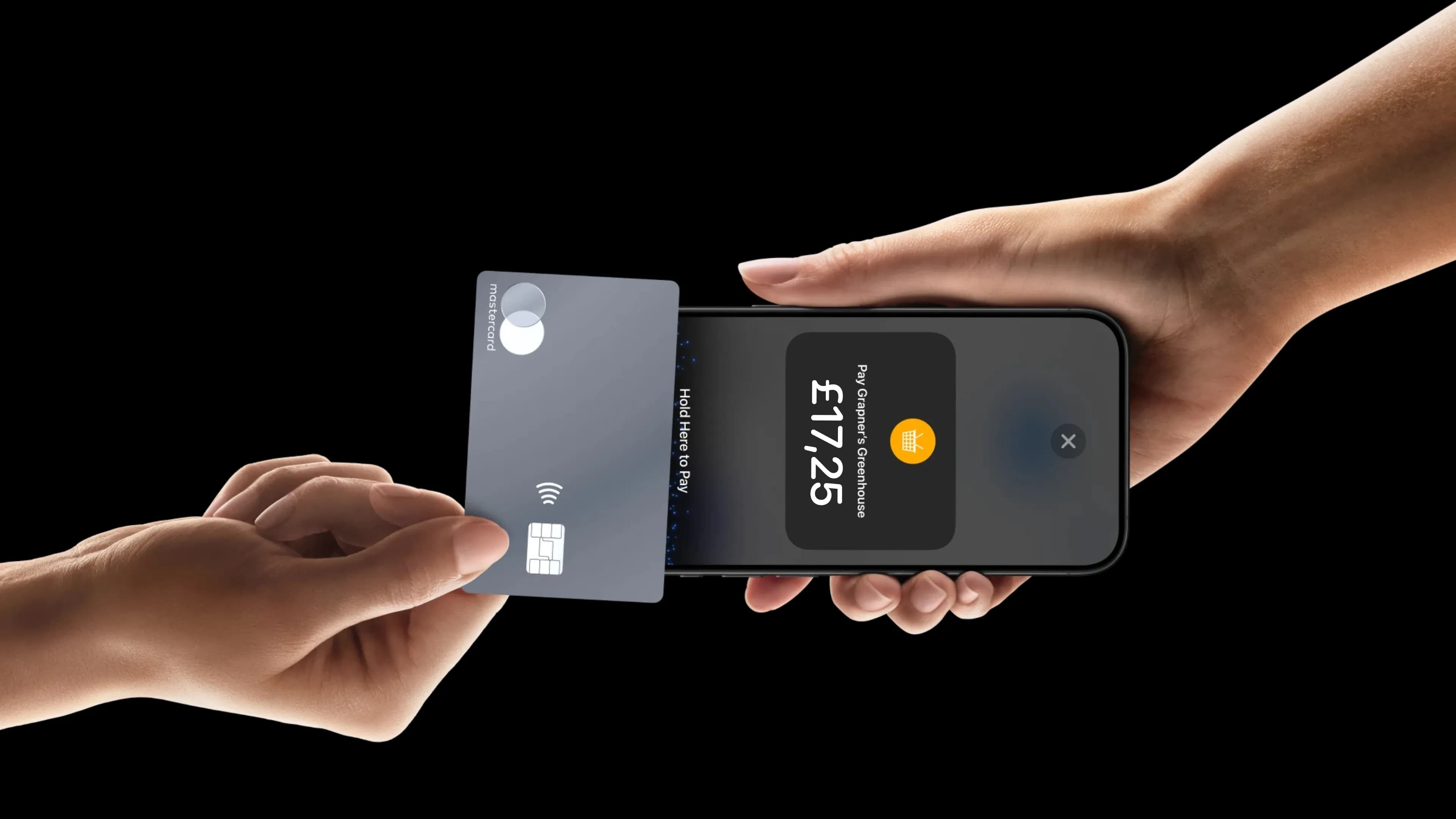
When a guest picks “Staff collects payment”, take it on your phone at the table.
Explore Tap to Pay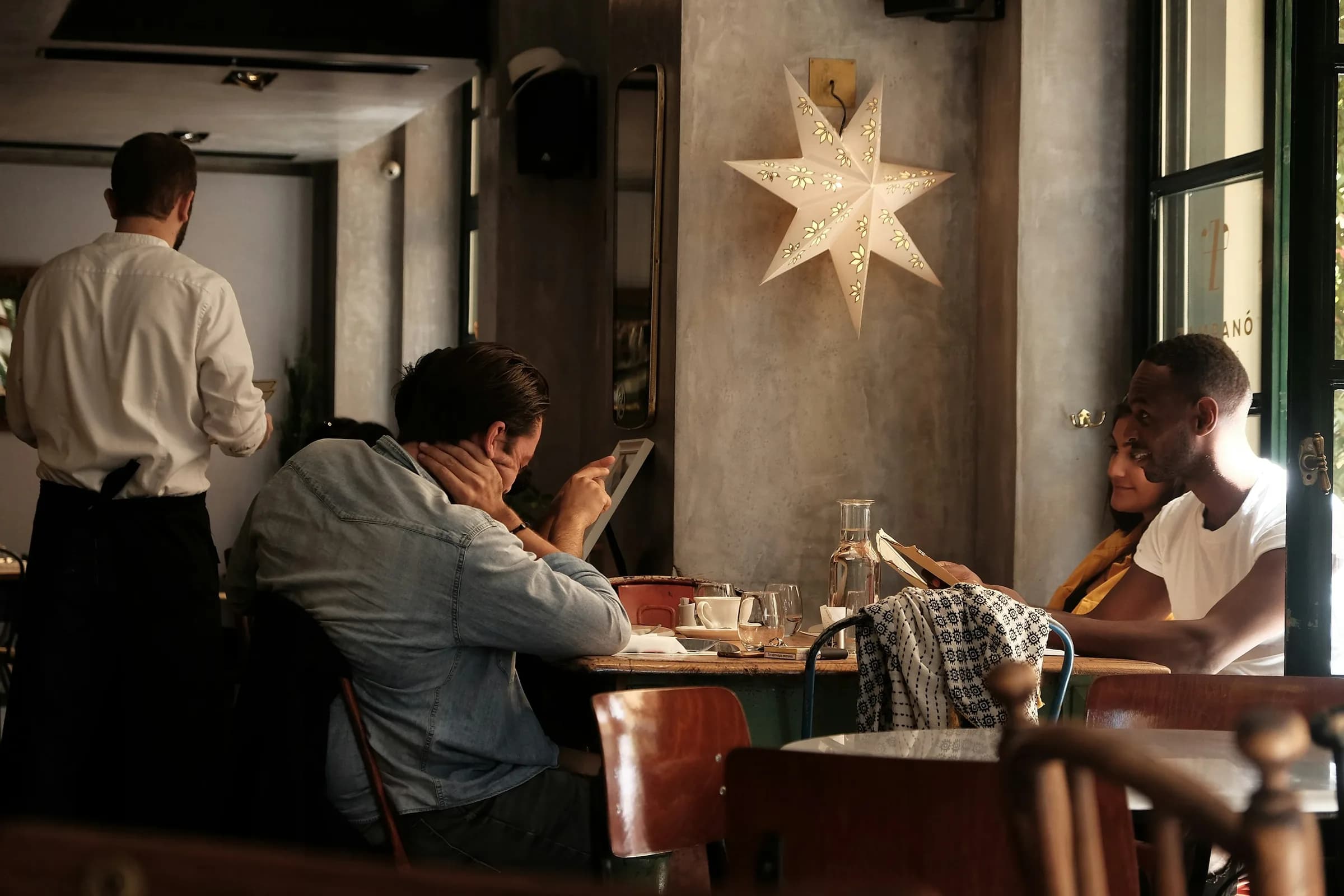
Show your current offers on the menu and hand out codes guests redeem themselves.
Explore PromotionsAI answers from our Help Center. Please don’t include personal or payment details.
Set up in minutes, with no card machine to rent — just the phone already in your pocket.