At the table
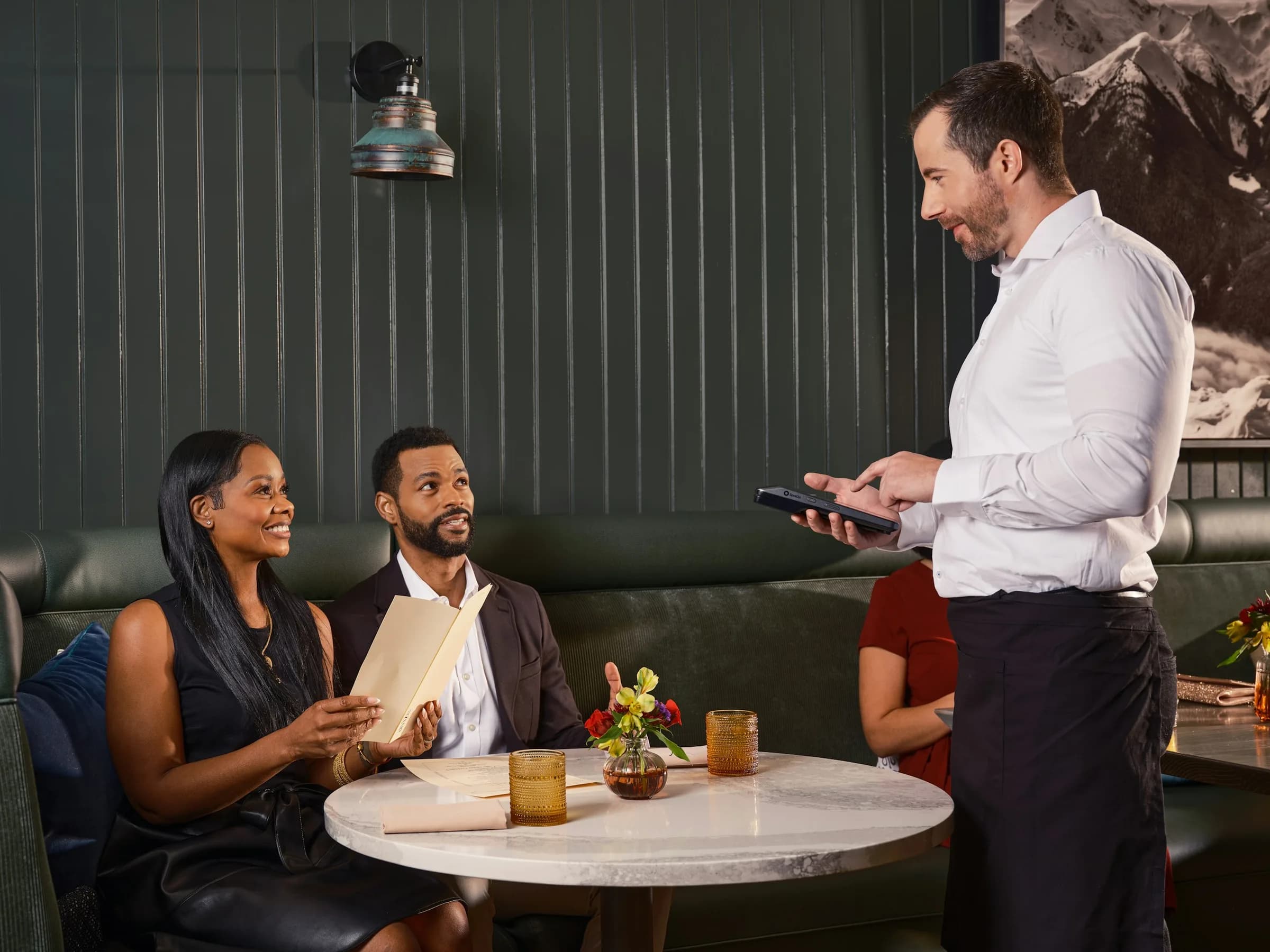
Bring contactless checkout to the guest while the order and table context stay together.
Table M4
Order 194Unpaid
- 2× Salmon poke bowl£29.00
- 1× Beef burger£11.50
Total£40.50
Tap to Pay on iPhone and Android
Turn a compatible phone into a contactless payment point and keep checkout inside the same restaurant flow as the order.
Tap to Pay
A phone payment is still a Tapp order.

One less fixed point in service
The team can finish an order where it makes sense instead of walking every guest back to one terminal.
Bring contactless checkout to the guest while the order and table context stay together.
Order 194Unpaid
Total£40.50
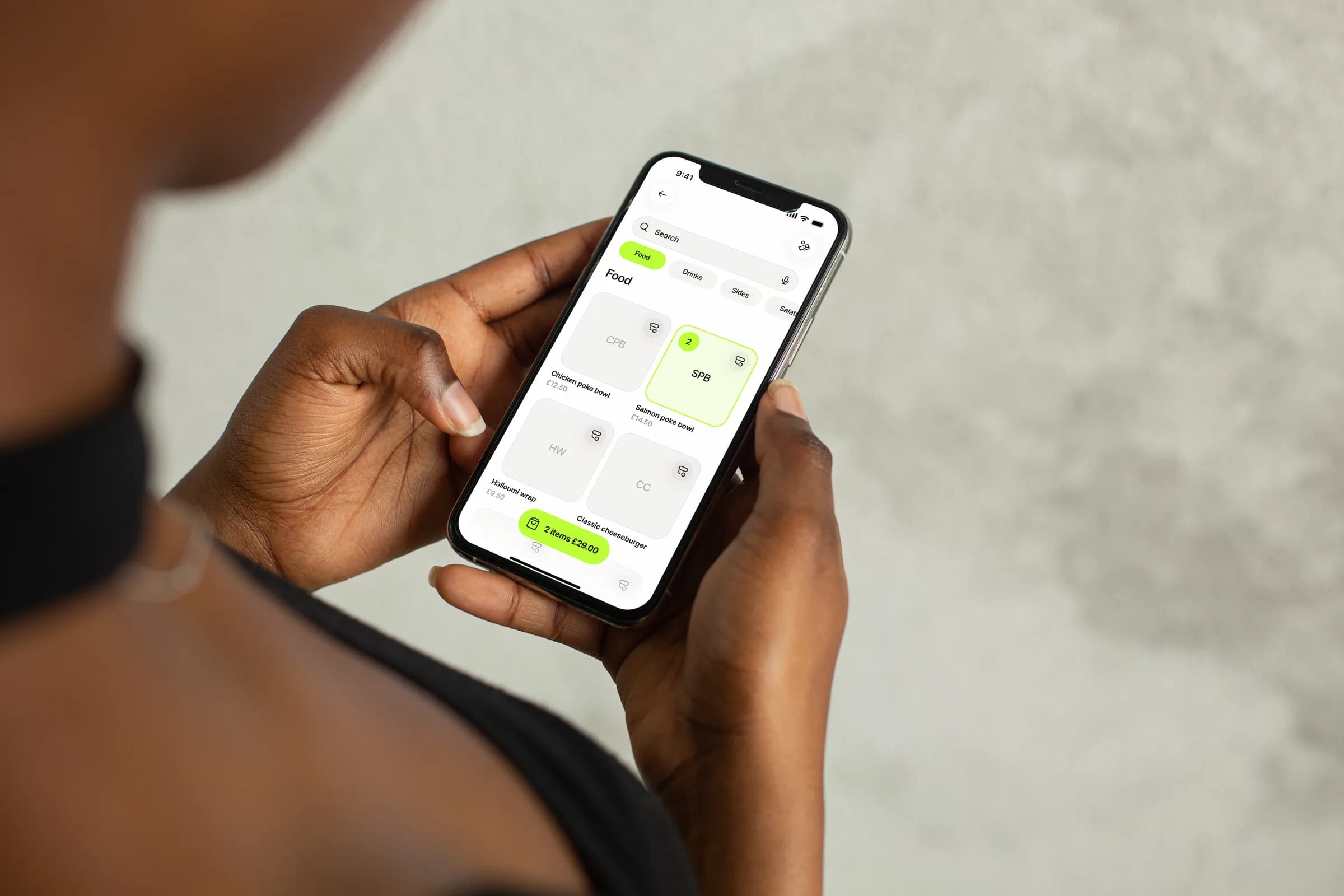
Go from basket to payment in one mobile flow, or stand a phone on the counter in terminal mode as the guest's payment screen.
Hold or tap your card near the device
Turn more team phones into payment points: send an order to another device and take the payment there.
£64.00Order 194 · Collect £64.00 on another device.
The paid order, its receipt and its status stay in one place.
Check your setup
Tap to Pay needs a supported market, an approved restaurant account and a compatible phone. iPad is not supported.
Accept contactless payments directly on your iPhone
Accept contactless payments in the Tapp app on a compatible iPhone. The owner accepts the Tap to Pay on iPhone terms once and switches it on for the store.
Tap to Pay requires NFC to be enabled on your device.
Use an Android phone with NFC switched on, once the owner has enabled it for the store. On either platform, each person turns Tap to Pay on for their own phone in their profile.
Built into the payment flow
Tap to Pay works alongside the other ways your restaurant takes payment.
Use Tap to Pay on a compatible iPhone or NFC-capable Android phone. On an iPad, the order goes to another device instead.
Offer Tap to Pay alongside QR, cash, payment links or SMS where available.
The owner decides which payment methods the store accepts, and each person switches Tap to Pay on for their own phone.
Keep the payment, receipt and order together from start to finish.
Configure acceptable payment methods
Total£45.50
Designed for real service moments
Use the same mobile checkout differently across full-service, fine-dining and quick-service operations.
Your total for order 194
£96.60Take payment tableside and keep the bill attached to the active service. If you allow tips, the guest picks one on the phone before tapping.
Go from product selection to contactless acceptance without a separate card machine. Orders sent from the till wait on the phone as payments on this device.
Bring a compact payment flow to the guest when the end of service should feel considered. The receipt follows by email or SMS.
Part of the restaurant system
Tap to Pay becomes more useful when it shares the order, team and table context already in Tapp.

AI answers from our Help Center. Please don’t include personal or payment details.
See whether your restaurant, market and devices are ready for Tap to Pay with Tapp.