Find your restaurant setup
A better starting point for the way you serve
Answer three quick questions and see the Tapp setup that best fits your restaurant — no email or sales call required.
Choose payment
£93.50Order 194
The 60-second setup finder
How does your restaurant run?
Tell us about your service, your biggest pressure point and your team. We’ll show you a useful place to start.
Question 1 of 3
Which kind of service feels most like yours?
Browse by service style
What kind of restaurant do you run?
Explore how Tapp fits three different rhythms of restaurant service.
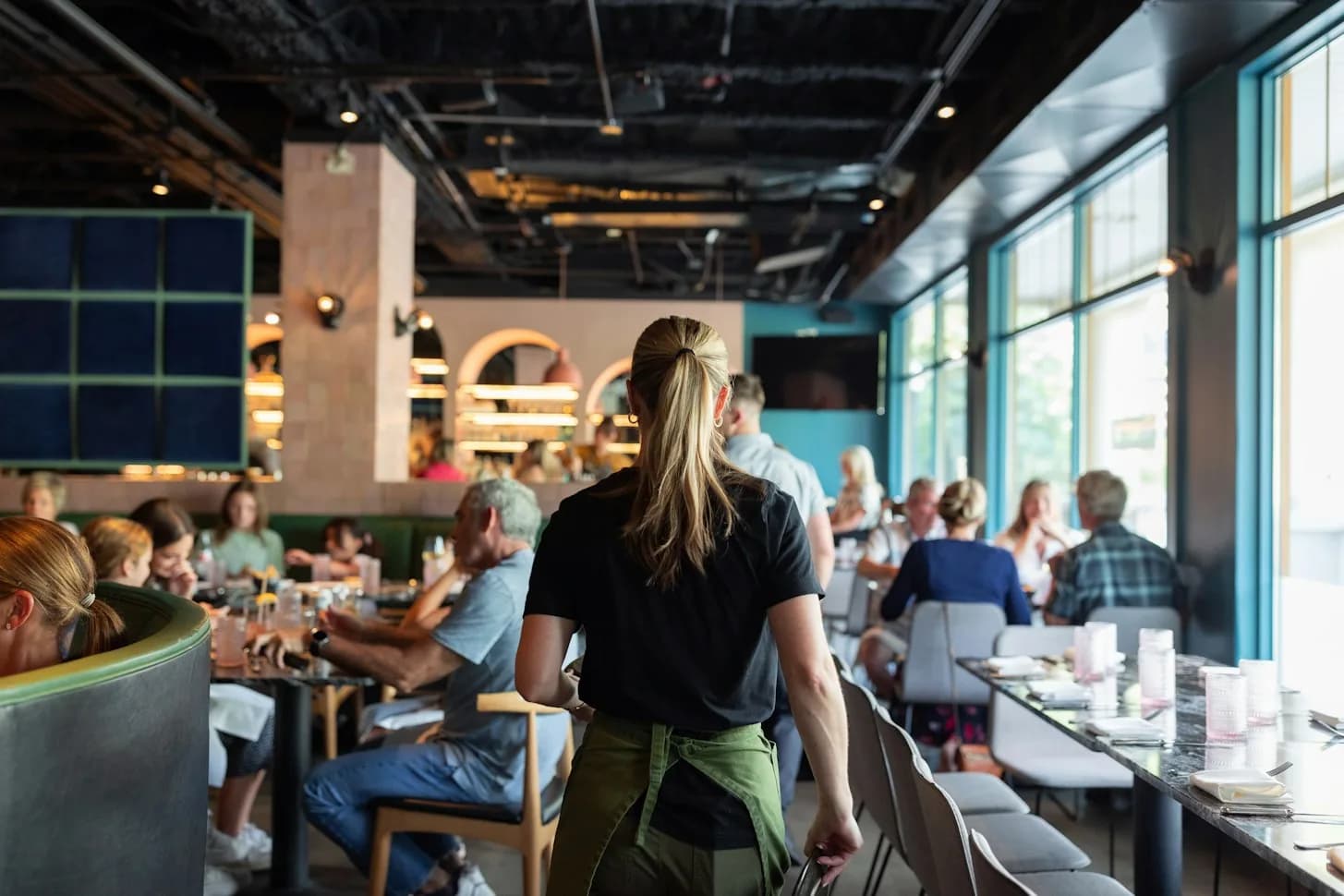
Full-service restaurants
Run tables, bookings, orders and the team as one connected service.
See your setup: Full-service restaurants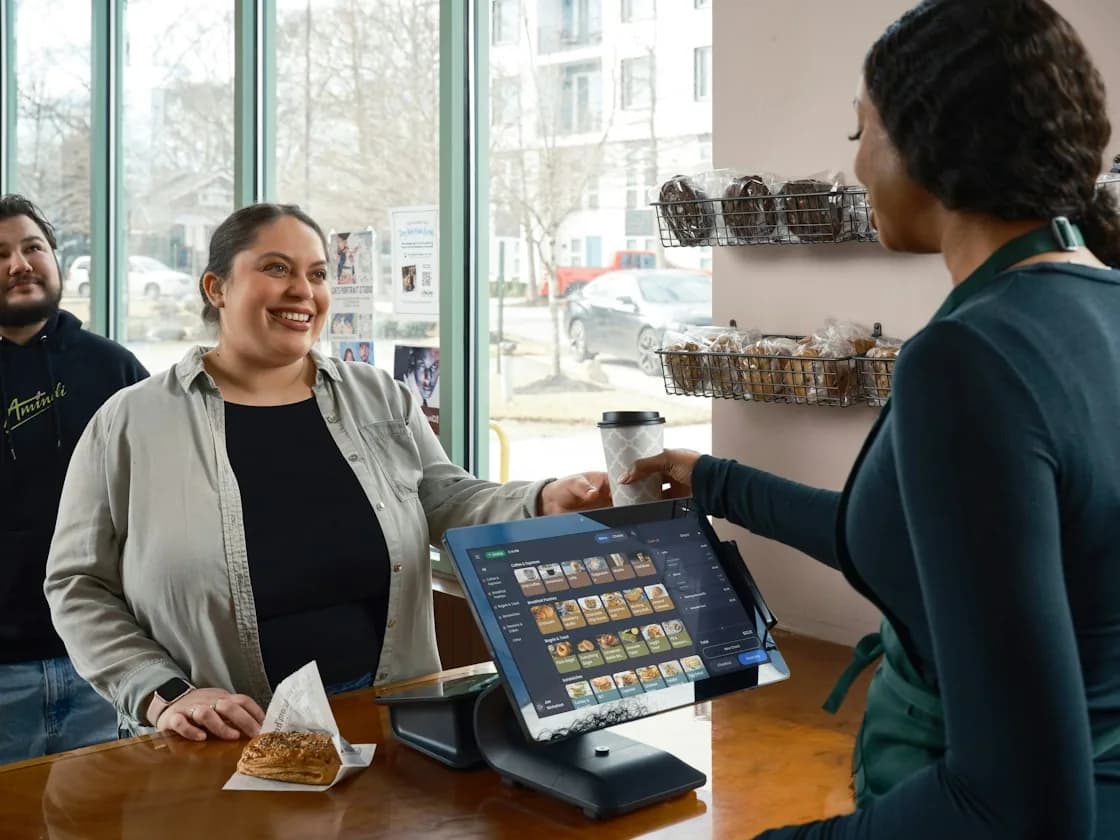
Quick-service restaurants
Move quickly from order to handoff with fewer disconnected tools.
See your setup: Quick-service restaurants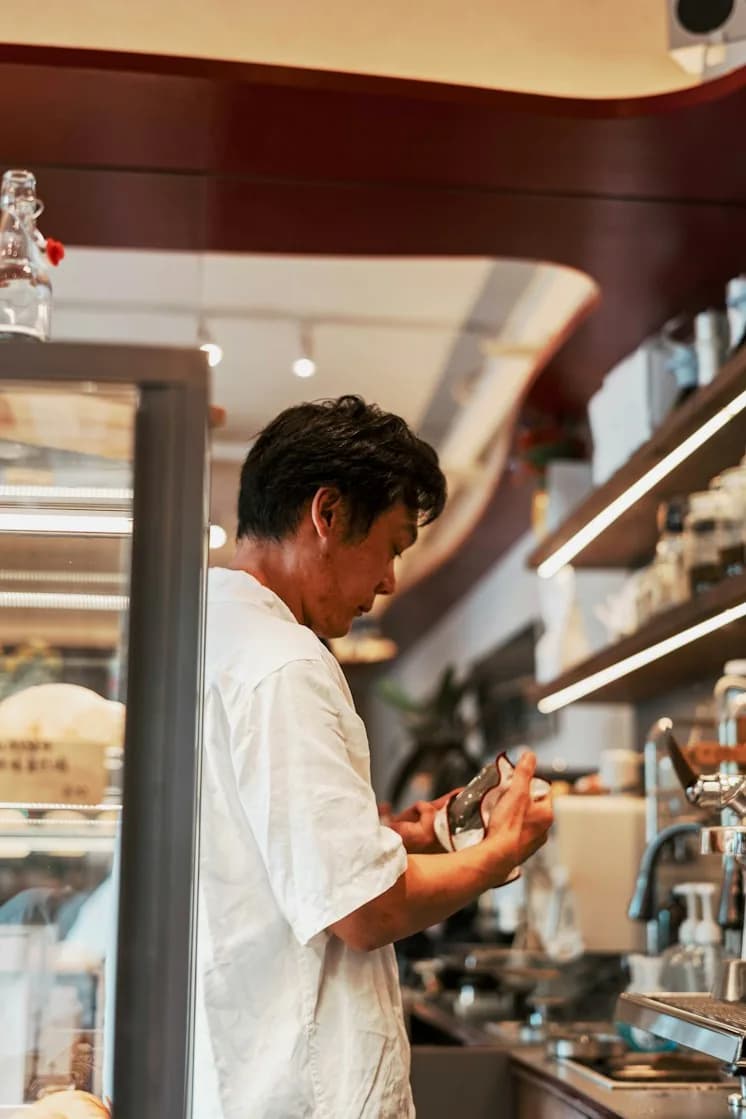
Fine dining
Keep every guest touchpoint calm while the operation stays in sync.
See your setup: Fine dining
Still renting a card machine?
Tapp vs renting a card terminal
Same card payments — without the rental contract or the box on the counter.
| What you’re comparing | Tapp | Renting a terminal |
|---|---|---|
| Hardware | TappThe iPhone or Android phone you already have | Renting a terminalA separate card machine to keep charged |
| Upfront cost | TappNothing to buy for card payments | Renting a terminalDevice deposit or purchase |
| Monthly rental | TappNo terminal to rent | Renting a terminalRental, billed every month |
| Getting started | TappSign up online and verify your business | Renting a terminalOrder, wait for delivery, configure |
| Paying at the table | TappTap to Pay, a QR code or a payment link, right at the table | Renting a terminalCarry the machine over, or the guest comes to the counter |
| The whole team | TappStaff take card payments on their own phones once Tap to Pay is on | Renting a terminalEveryone shares the machines you rent |
| More than payments | TappOrders, bookings, the live floor, QR ordering and your team | Renting a terminalCard payments only |
| The bottom line | TappOne app from the order to the payment | Renting a terminalOne more box on the counter |
Illustrative comparison: rental terms vary by provider. Tapp’s own prices are on the pricing page.
Whatever you run
The basics are the same for everyone
Whichever setup you pick, these come as standard.
No hardware to buy
Tap to Pay turns the iPhone or Android phones you already have into card readers. No card machine to buy or rent.
Every way to pay
Tap to Pay, a QR code, a payment link or cash — each payment lands on the order it belongs to.
Works wherever you serve
At the table, the counter or out on the terrace — wherever your phone has an internet connection.
Safe by default
Card payments run through Adyen, a PCI DSS–compliant payment provider, and every business is verified before it takes them.
Setup questions, answered
AI answers from our Help Center. Please don’t include personal or payment details.
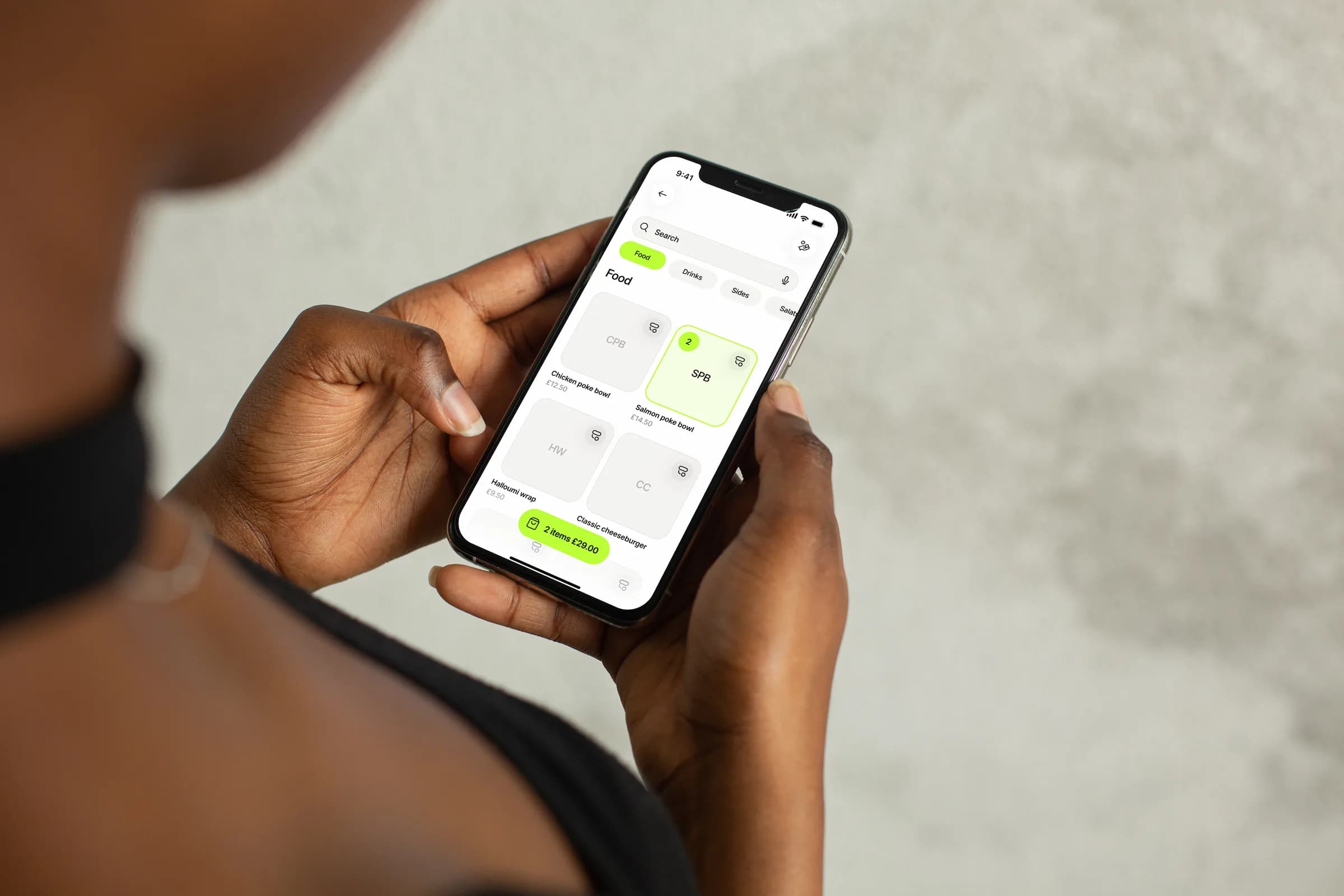
Be taking payments before your coffee goes cold
Set up in minutes, with no card machine to rent — just the phone already in your pocket.