Bring your menu
Photograph your printed menu or upload a file. Tapp turns it into your product list, and you check the results.
Upload your menu
Chicken poke bowl£12.50
Halloumi wrap£9.50
Sweet potato fries£4.50
Online shop
Turn the menu you already sell from in person into a web shop guests can order from anywhere, with the same products and the same payouts.

Online shop
Your menu, in the browser, with the same products and prices as in person.
Build it in minutes
No web agency, no waiting weeks. If you can take a photo of your menu, you can open your shop.
Photograph your printed menu or upload a file. Tapp turns it into your product list, and you check the results.
Chicken poke bowl£12.50
Halloumi wrap£9.50
Sweet potato fries£4.50
Add your logo and pick up to five things that set you apart. Tapp writes the description guests read on your welcome page.
A family-run kitchen. Everything is made to order. Dogs are welcome too.
Venue and kitchen hours are separate, split service included. Guests can read the menu at any time; ordering opens when your kitchen does.
Your shop is live at its own tapp.shop address, with your name and logo in the browser tab.
One catalogue, one payout
Your web shop runs on the same products, orders and payouts as the Tapp app your team sells with. No double entry, no second system.
Change a price or add a product once. The app and your shop show it at the same time.
Keep a product or a whole category for the counter only with “Visible on website” in the web dashboard. Sold out? Switch it off in the app and the shop shows it as unavailable.
Your shop can take orders, table bookings or both. Switch a section off and its button leaves the welcome page.
Online guests leave a name and an email or phone number, so they join your guest list with their orders and total spend.
At least one section (menu or bookings) must be enabled.
See your storefront
Your shop is built mobile-first and rearranges itself for bigger screens: a category strip on a phone, a sidebar with search on a desktop.
Built to browse
Clear prices, item options and a basket that stays within reach keep browsing and ordering close together. You decide what each item shows.
From order to handover
Tapp’s shop is built for food and drink: guests order for the counter or from their seat, and every order lands in the app your team already uses. There are no parcels, couriers or delivery zones to set up.
£23.50
Guests pay by card, Apple Pay or Google Pay. If they pick “Staff collects payment”, the order waits as Pay later until your team takes the payment.
Are you sure you want to cancel order #413 from the guest?
Can’t make it? Cancel an unpaid guest order from History in the web dashboard before any payment starts.
Refund an online order from its details. Tapp sends the money back to the guest and the order shows as Refunded.
Share it anywhere
Your shop is a link, so it goes wherever your audience already is. There is nothing to connect: paste it into a bio, a story or a message and people order in their browser.
The checkout moment
No account and no app. Guests review the basket, tell you their name, pay and get a receipt.
Total paid£33.50
Method: Card
One dashboard
No flipping between systems. Online orders sit in the same order list and History as the ones your team rings up, marked with where they came from.
| ID | Items | Total | Paid with | Comes from | Status |
|---|---|---|---|---|---|
| 418 | Salmon poke bowl | £29.00 | Card | Guest / Maya | Paid |
| 417 | Beef burger | £23.00 | Tap to Pay | Staff | Completed |
| 416 | Chicken poke bowl | £17.00 | Card | Guest / Alex | Completed |
| 415 | Halloumi wrap | £14.00 | Cash | Staff | Completed |
| 414 | Beef burger | £34.50 | — | Guest / Freja | Pay later |
| 413 | Salmon poke bowl | £19.00 | Tap to Pay | Staff | Completed |
History lists every order with a “Comes from” column, Staff or Guest. One tap narrows it to online orders.
Guests who order online join the same guest list as your bookings, with their orders, ratings and total spend.
Online card payments settle into the same Tapp payouts as your in-person sales, weekly or monthly.
Why open a shop?
Your menu, offers and opening hours stay online around the clock. Ordering opens with your kitchen, and table bookings come in whenever guests think of you.
Beyond the counter
A shareable shop puts your menu in front of people who have not walked past your door yet.
Outside opening hours
Guests browse the menu and current offers at any hour, see when the kitchen opens next, and can book a table in the meantime.
One existing menu
The shop uses the product list your team already sells from, so there is nothing to build twice.
From counter to anywhere
Your shop shares its products, orders and payments with the rest of Tapp.
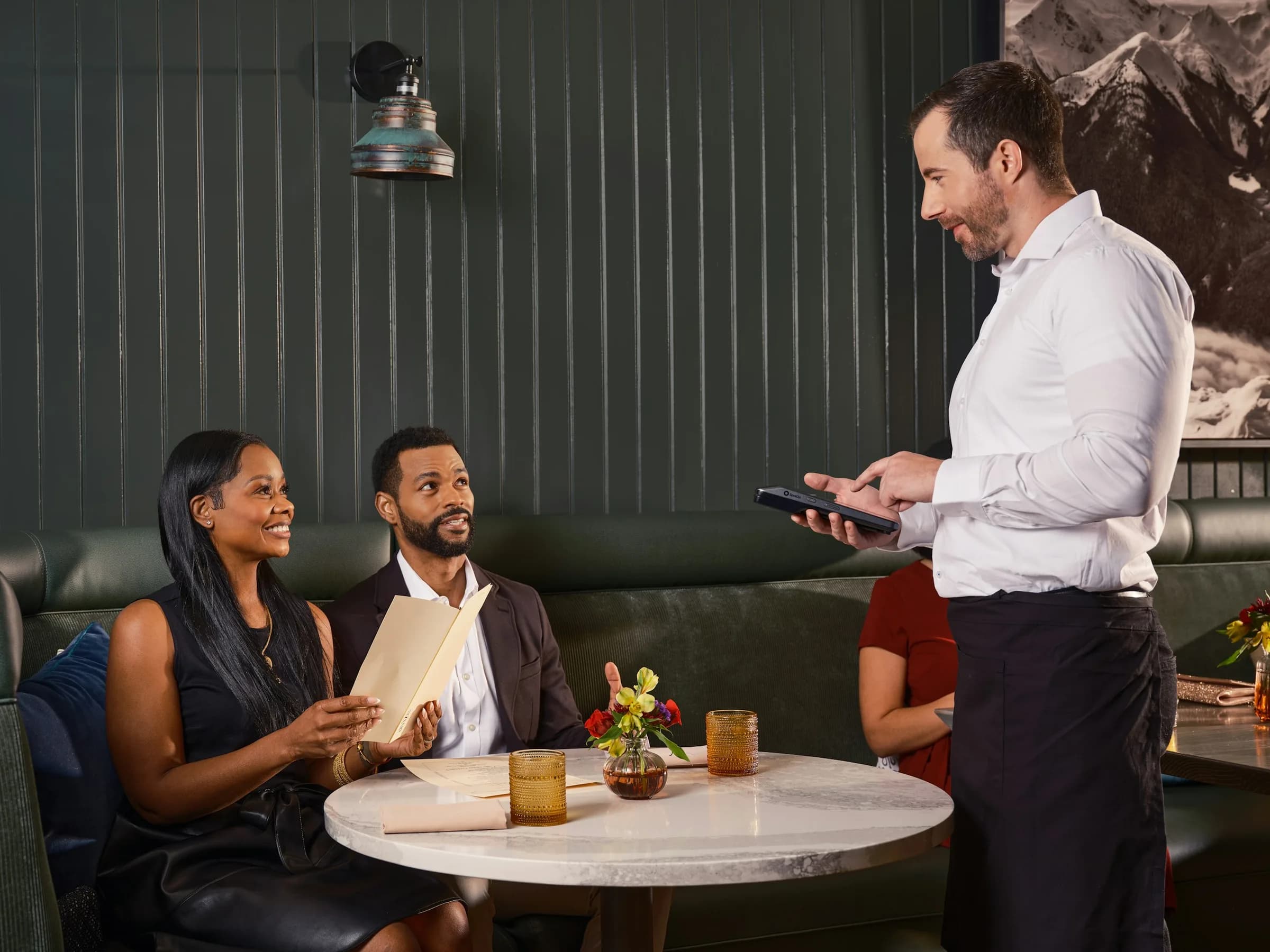
The menu your team rings up at the counter is the menu guests order from online.
Explore Point of sale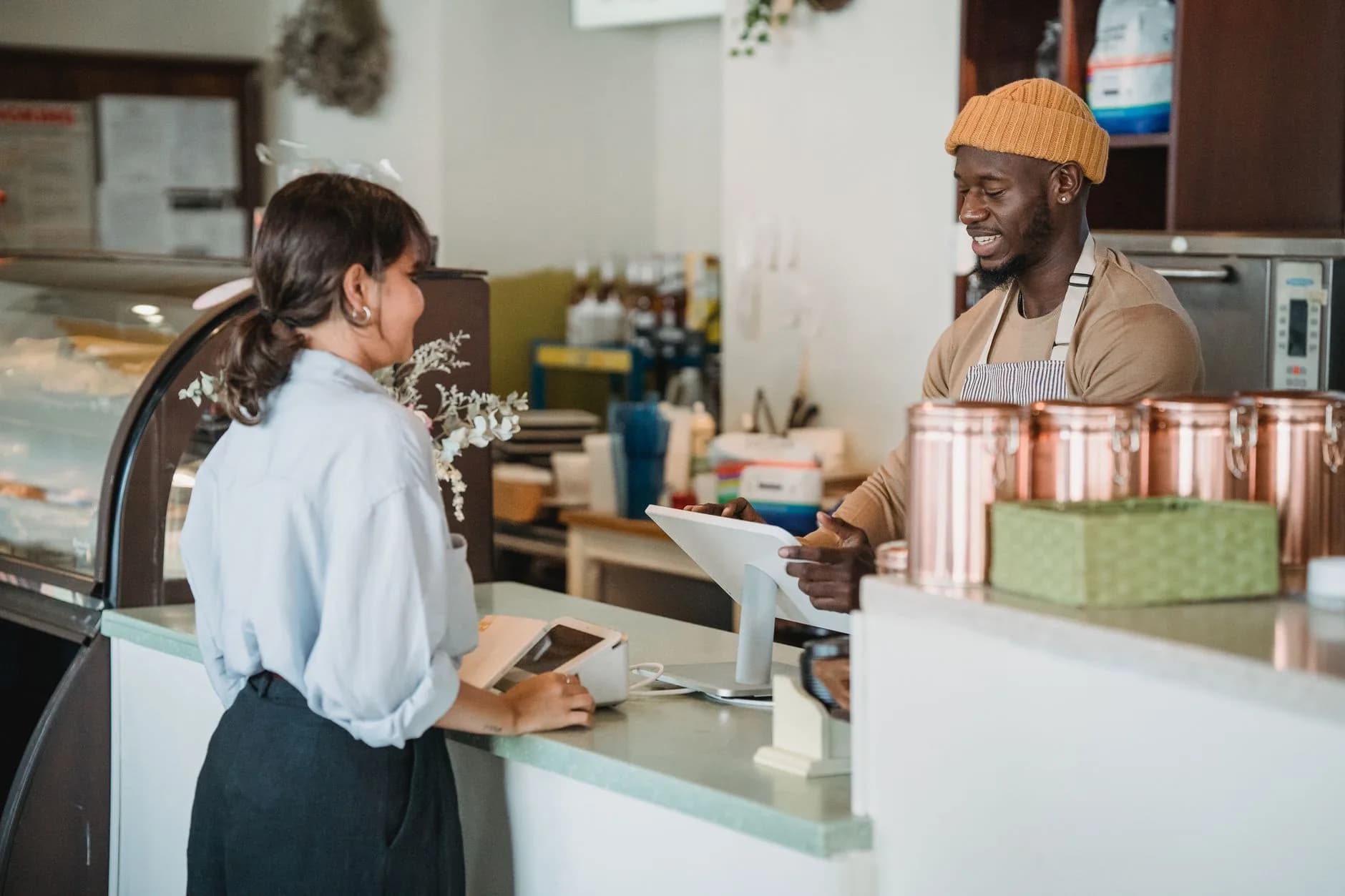
The same shop opens from a code on the table, the counter or the truck.
Explore QR ordering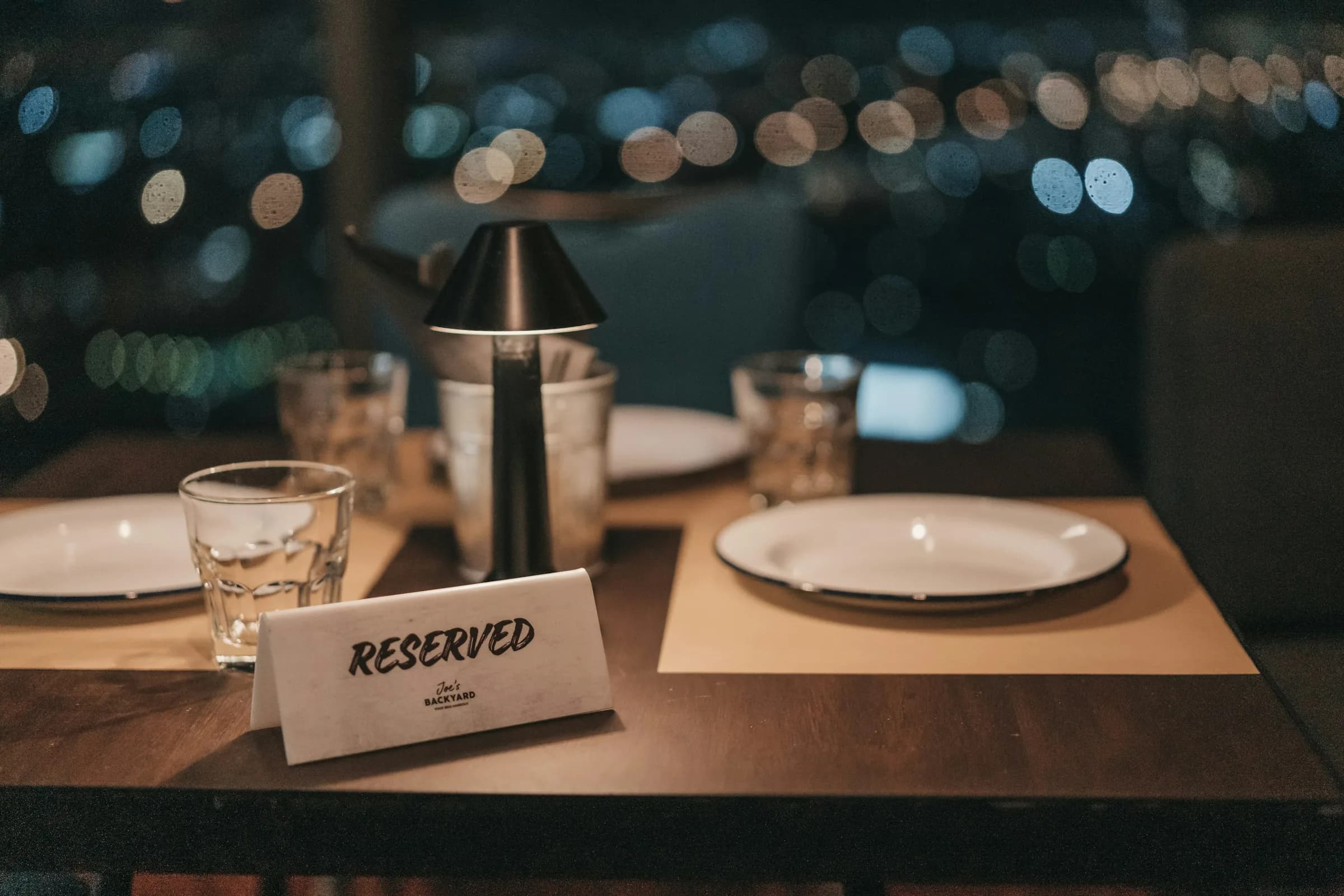
AI answers from our Help Center. Please don’t include personal or payment details.
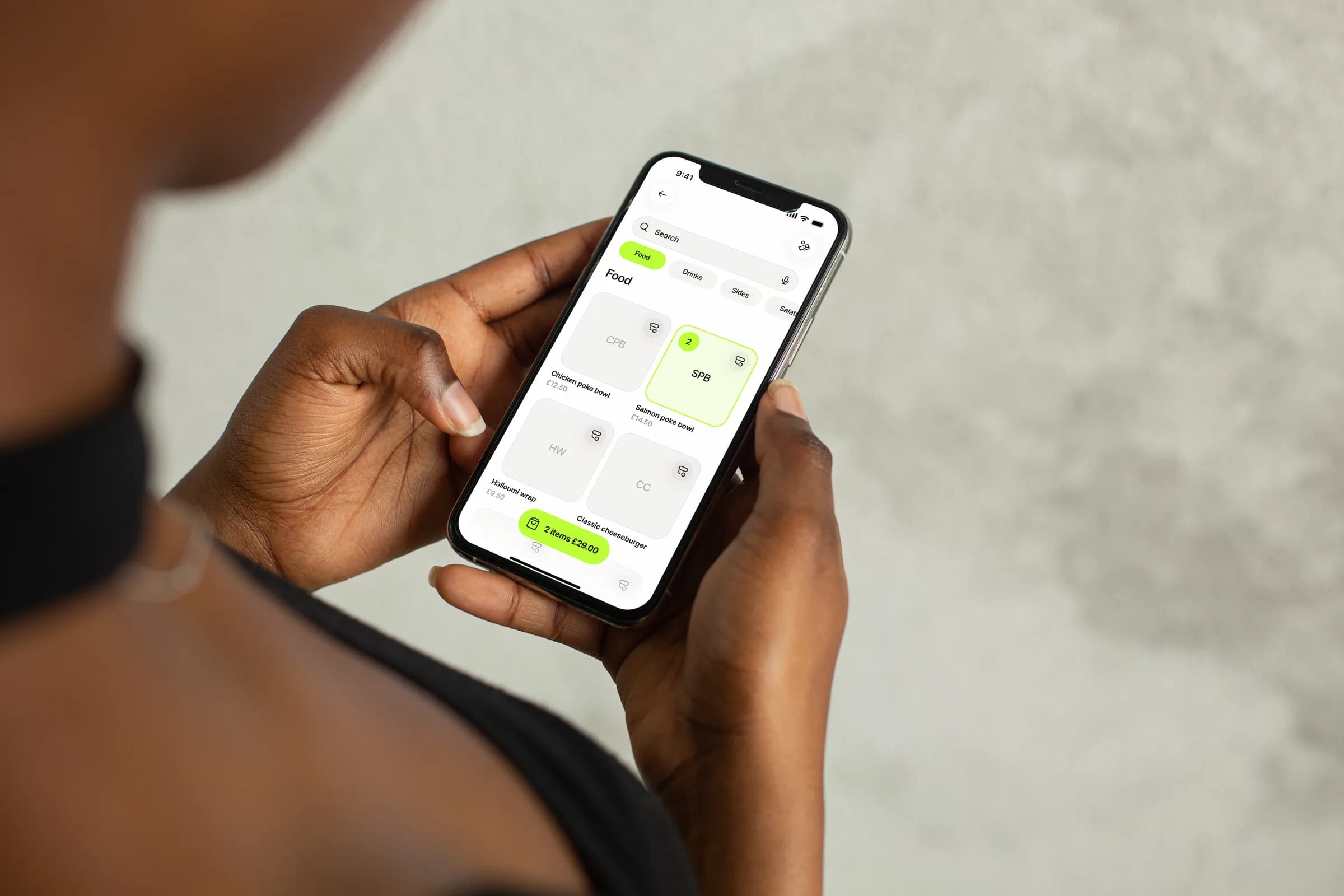
Set up in minutes, with no card machine to rent — just the phone already in your pocket.