Skip to content

Live Floor

See the restaurant as service is happening

Set up rooms and tables, then keep bookings, walk-ins, seating and linked orders together in one live view of the floor.

Tapp’s live floor on a Friday evening: a booked party and a walk-in are seated, and a table whose order is paid is freed up.

Live floor

A shared view of the physical restaurant.

One floor, shared context

Give the team the same table context

The layout becomes useful when it shows what is happening now and what the team needs to prepare for next.

Read the floor

See free and occupied tables, incoming bookings, time left and late arrivals, room by room.

  • Table 24 seats · Alex Morgan, +235m leftOccupied
  • Table 44 seats · Sofia Lind, +3Arrives in 12mBooked
  • Table 52 seats · No booking todayAvailable
Seat with context

Seat a booking or a walk-in. Tapp suggests a free table, or a combination, that fits the party.

Seat walk-in

How many seats?4

Suggested table(s)

Table 34 seats · Main roomSelected

Keep service attached

Orders opened from the table stay with its session, so seating and POS are one record of the visit.

Table 6

Maya Holm, +2 · Seated 19:34 – until 21:04

£46.00Unpaid

Order(s)

  • #Order 1083£38.50Paid
  • #Order 1084£46.00Unpaid

Stay up to date

Live Floor refreshes on its own during service and right after key actions.

Live floor

Updated 19:42

Set up the space, then run it

Set up the room, then run it live

Owners and managers shape the floor. Staff operate the current view throughout service.

  • Draw the room's outline on a grid, then place round or rectangular tables with position, size and rotation.

  • Set seats, party-size limits and booking priority per table, and combine tables for larger groups in the web dashboard.

  • Seat a reservation, add a walk-in, or pick the tables for a new booking yourself with capacity conflicts visible.

  • Start, extend and end sessions, free up tables, mark no-shows and move into orders or payment.

Room layout

Main room

One service journey

From arrival to the final receipt

Booking, seating and payment stay connected through the table session.

01 / Arrival

Table status

  • Sofia Lind, +3Table 4 · 19:30Arrives in 12m
  • Noah Keller, +1Table 7 · 19:45Arrives in 27m

Review the arrival

See who arrives soon, who is running over and who is late, then open the booking with its party size and details.

02 / Seating

Table 44 seats · Party 2-4Booked

Upcoming booking

Sofia Lind, +3Booked at 19:30 todayArrives in 12m

Choose the table

Seat the booking at its table, or choose a table or combination for a walk-in. Seating starts the table session.

03 / Service

Table 4

Sofia Lind, +3
#Order 1084£110.00Unpaid

Run the table order

Add or modify orders from the table, take payment, send the receipt and free up the table when the party leaves.

Different layouts, one shared view

Use the floor the way your restaurant serves

A compact dining room, multiple spaces and quick table turns each put different pressure on the view.

  1. 01 / Full service

    Balance arrivals with active tables

    See booked parties, walk-ins and expected end times before deciding where to seat next.

  2. 02 / Fine dining

    Protect pacing and combinations

    Use room context, table priority and combined seating for a considered reservation flow.

  3. 03 / High turnover

    Act on the table state

    Filter the floor, free up a finished table and prepare for the next arrival without losing the order.

The floor connects the restaurant

Bookings, POS and staff meet at the table

Live Floor gives the whole team a shared view of the restaurant instead of another static diagram.

Rooms & Tables questions

AI answers from our Help Center. Please don’t include personal or payment details.

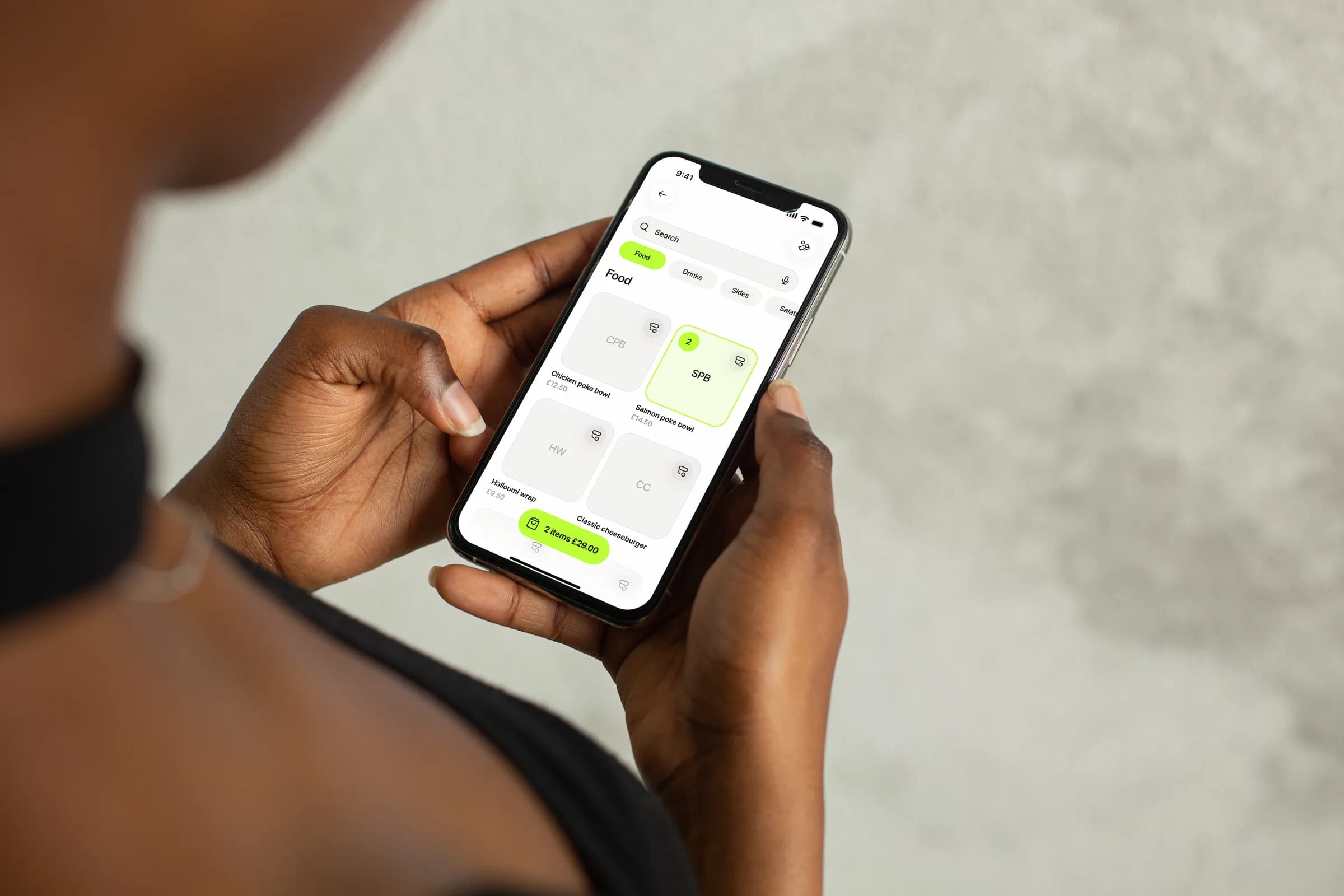
Two hands hold an iPhone showing Tapp’s Sell screen: menu tiles, with two salmon poke bowls in the basket

Give the floor one shared view

See how your rooms, table rules, bookings and POS flow can fit together in Tapp.