Draft
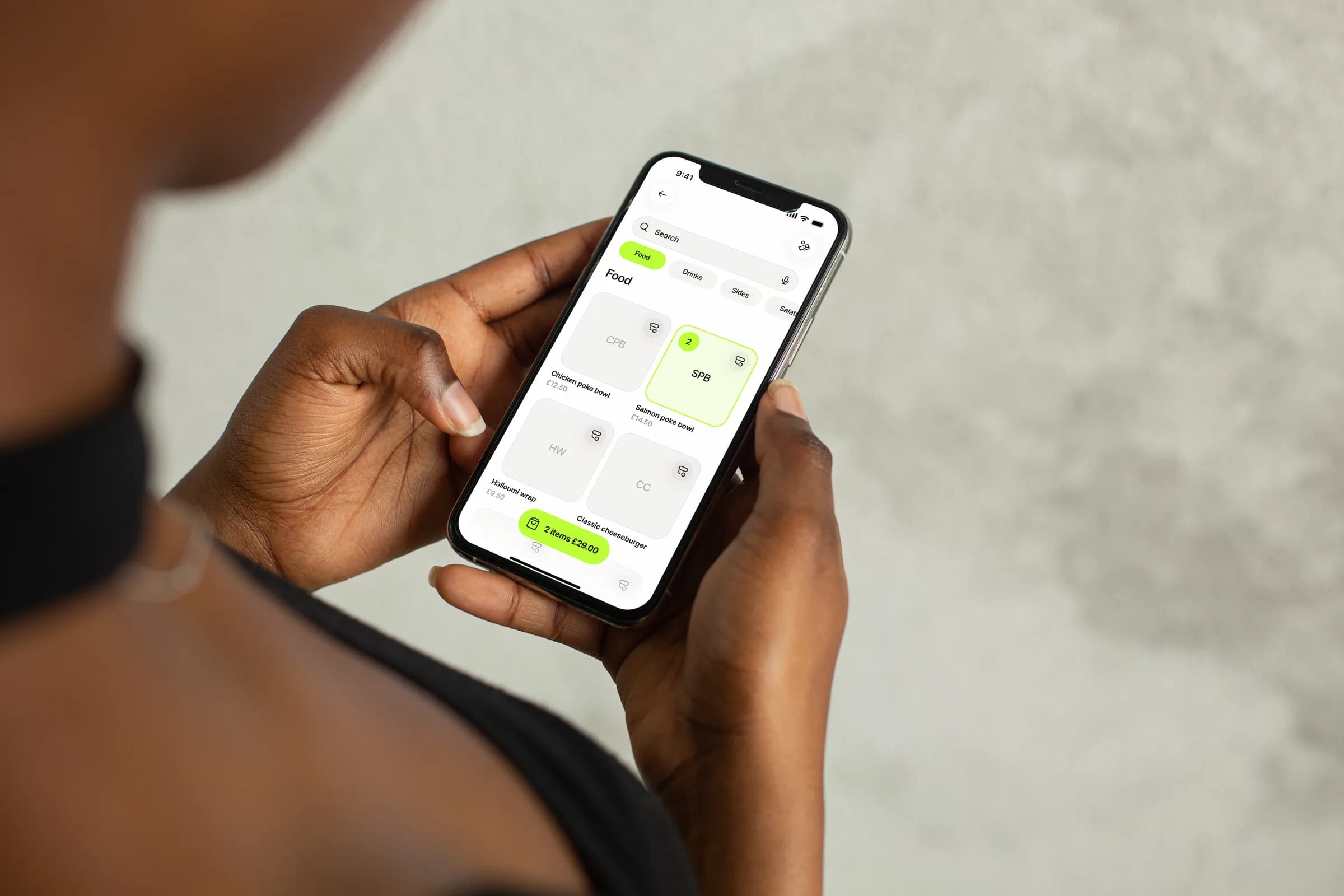
Build the basket, set quantities and variations, and add a comment or a guest.
Add to Basket
Draft- SPBSalmon poke bowl£14.50 · No variations2
- CPBChicken poke bowl£12.50 · No variations1
Total£41.50
The order at the centre of service
Tapp POS brings product sales, Fast Charge, open orders, table sessions and flexible checkout into one restaurant workflow.

Point of sale
Products, orders, tables and payment stay together.
From order to done
Every order shows the team what has happened and what they can do next.
Build the basket, set quantities and variations, and add a comment or a guest.
Total£41.50
Choosing a payment submits the order. Set it to pay later, and reopen it when the table orders more.
Order summary
Order total£41.50
Take payment, try again if it fails or leave the order open for later.
Order 412 · Awaiting payment confirmation…

Complete the paid order, send or print the receipt, and refund it later if needed.
A register with restaurant context
Build the basket, manage its state and finish payment without rebuilding the sale elsewhere.
Search categories and products, edit quantities and variations, or enter a quick amount without choosing a menu item.
Add a comment or a guest, submit, pay later, reopen a pay-later order to change it, complete, cancel before payment, retry or refund.
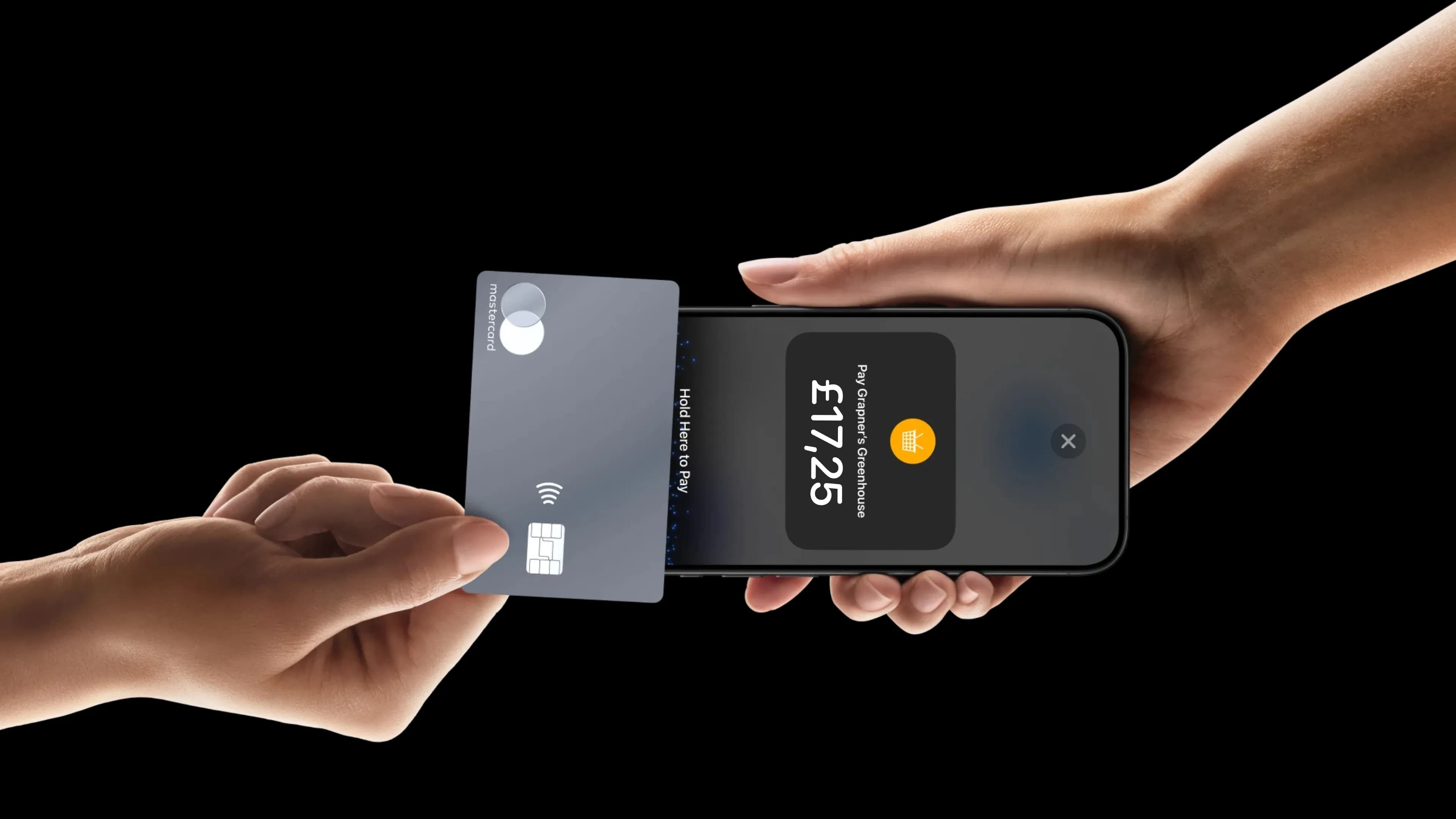
Choose Tap to Pay, QR code, cash, payment link, SMS or pay later, or send the payment to another team device.
Open the POS from a seated table, add its orders and return to payment, receipts or refunds from the same table.
One POS, different service shapes
Counter service, table service and busy teams each need a different rhythm.
Quick service
Keep menu selection, Fast Charge and checkout close when queue speed is the priority.
Recent orders
Table service
Add each round from the table's session and keep it with the table through payment and receipt.
Order(s)
Multi-device
Send an order to another of the store's POS devices and see when it is paid there.
POS devices · 2 active · 3 total
Where the restaurant system meets
Orders become more useful when the people, tables, offers, payments and analysis connect around them.


AI answers from our Help Center. Please don’t include personal or payment details.
Tell us how your team takes orders and payments, and see the Tapp POS setup that fits.